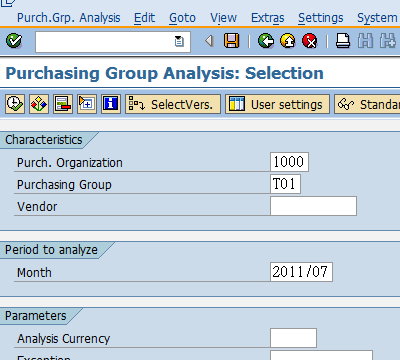
Analyze purchasing values for purchasing groups
Standard analysis for purchasing group
T-Code:MCE1
Change the characteristic display
Choose Settings ---> Characteristic display ---> Key and description
Analyze purchasing values for purchasing groups
Standard analysis for purchasing group
T-Code:MCE1
Change the characteristic display
Choose Settings ---> Characteristic display ---> Key and description
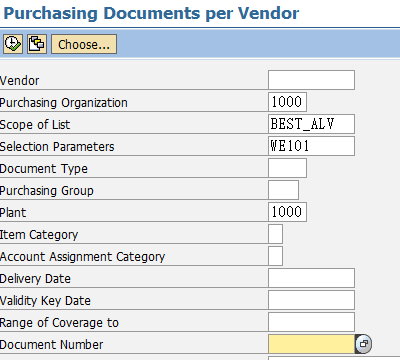
List Displays for Purchase Orders
Open goods receipts
Choose the scope of list BEST_ALV
T-Code:ME2L
List of Material Documents
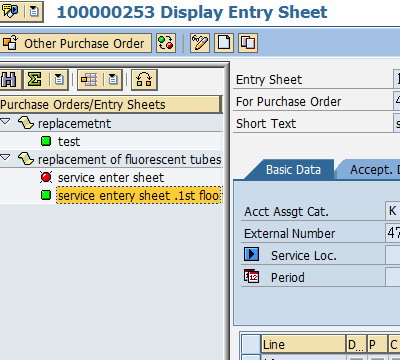
Entry and settlement of external services
Service entry sheet - 1st floor
T-Code:ML81N
Maintain the service entry sheet in the system and reference your purchase order in the process
To copy the services from the purchase order choose Service Sel.
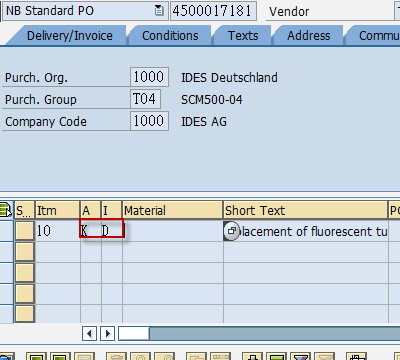
Procurement of external services
Purchase Order Handling for Services
T-Code:ME21N
Enter Vendor T-K500E04
Account assignment category K Item category D

Master data for external services management
Service master record and service conditions
Display a service master record
T-Code:AC03
Display service conditions
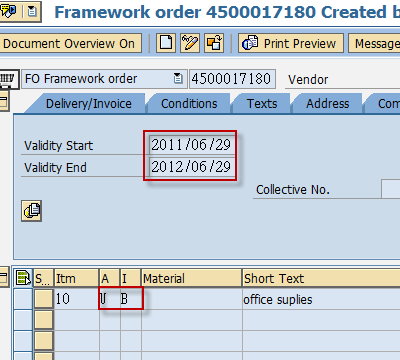
Create a blanket purchase order
T-Code:ME21N
Choose document type framework order
Enter account assignment category U item category B
Enter an invoice for the blanket purchase order

Processing purchase requisitions
Choose Personal Setting and choose the Default values tab page
choose more fields to add the plant and the purchasing group to the default values
T-Coce:ME51N
Create a purchase requisition for a material without a master record
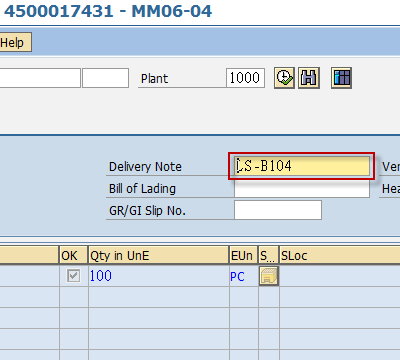
Stocks Valuation and Goods Receipt
T-Code:MIGO
Enter delivery note number LS-B104
T-Code:FB03
Display Document

Maintain purchasing info record
Display change and analyze info records
T-Code:ME1M
Determine administrative data and prices
Copy conditions from quotations
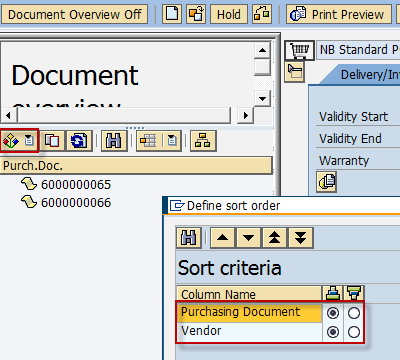
Creating a Purchase Order with Reference
Purchase order entry
Configure the document overview
T-Code:ME21N
Choose Selection variant and then RFQs

Request for quotation and quotation processing RFQ Processing
RFQ Processing
T-Code:ME41
Enter Item Data
Enter Vendor address

